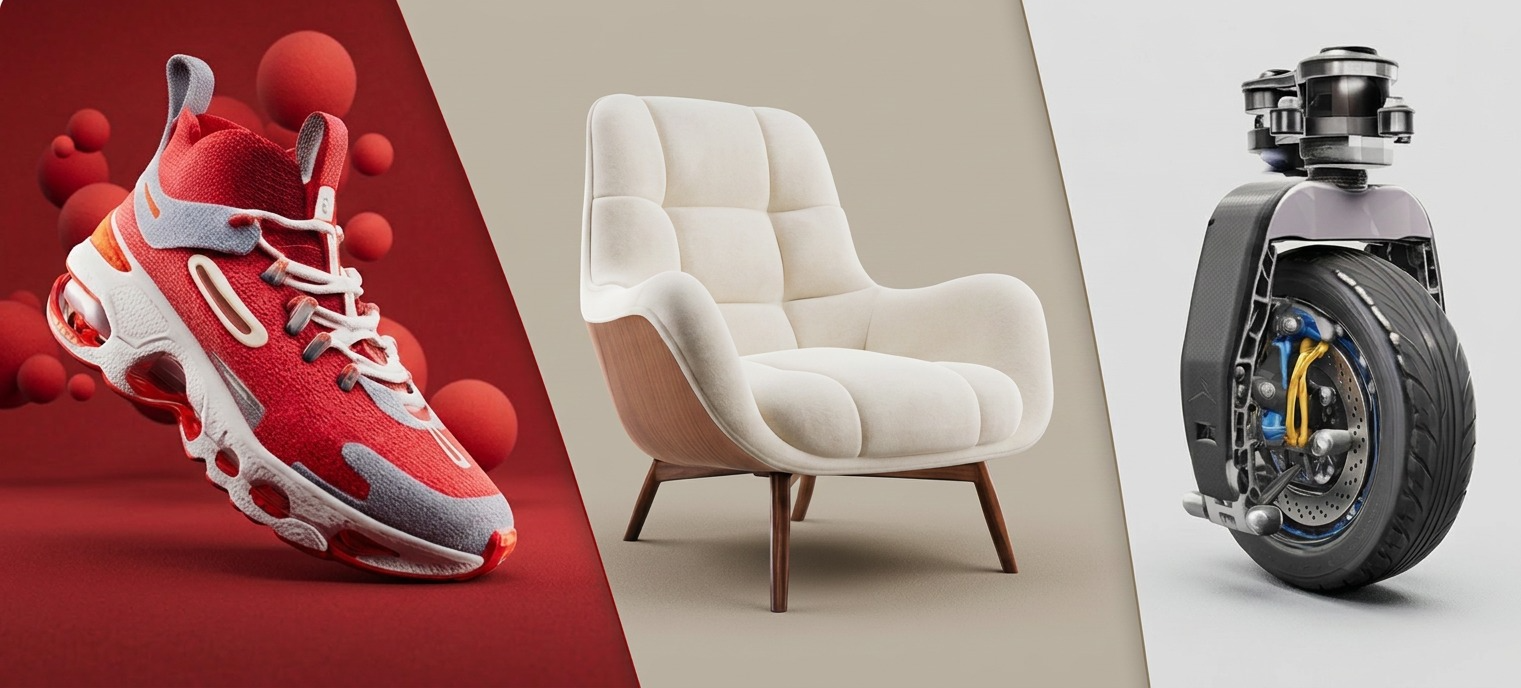
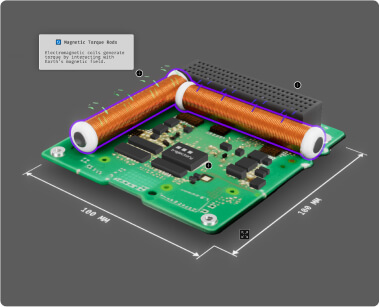
Vectary AI is the shortcut to usable 3D models by speeding up your design cycle and helping your team deliver better work, faster.
Effective workflows to create, then refine
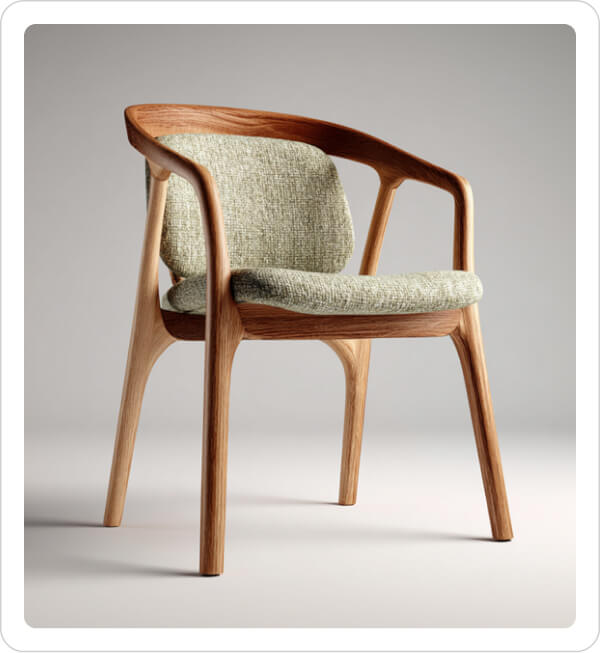
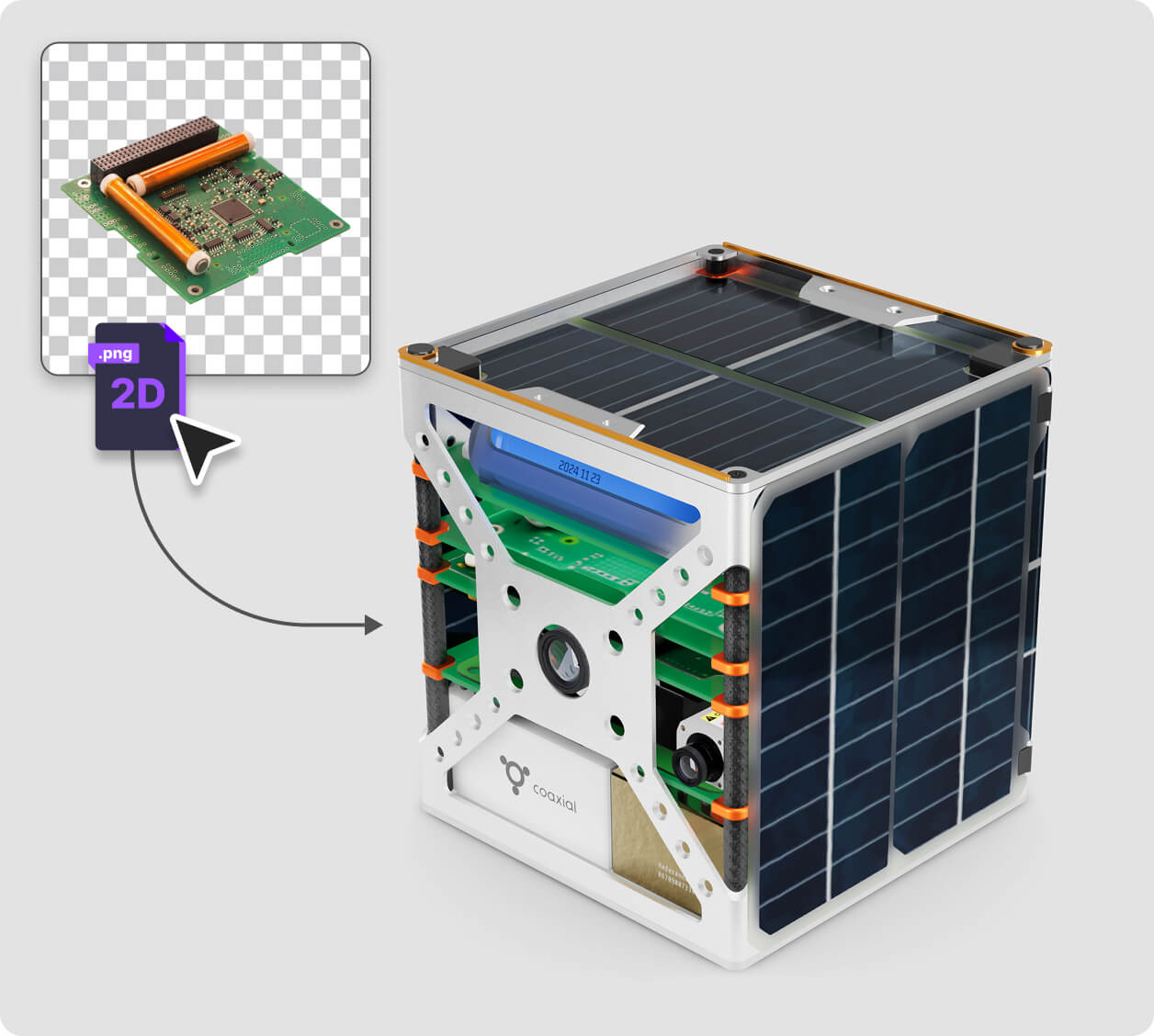
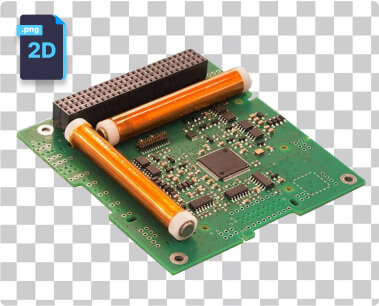
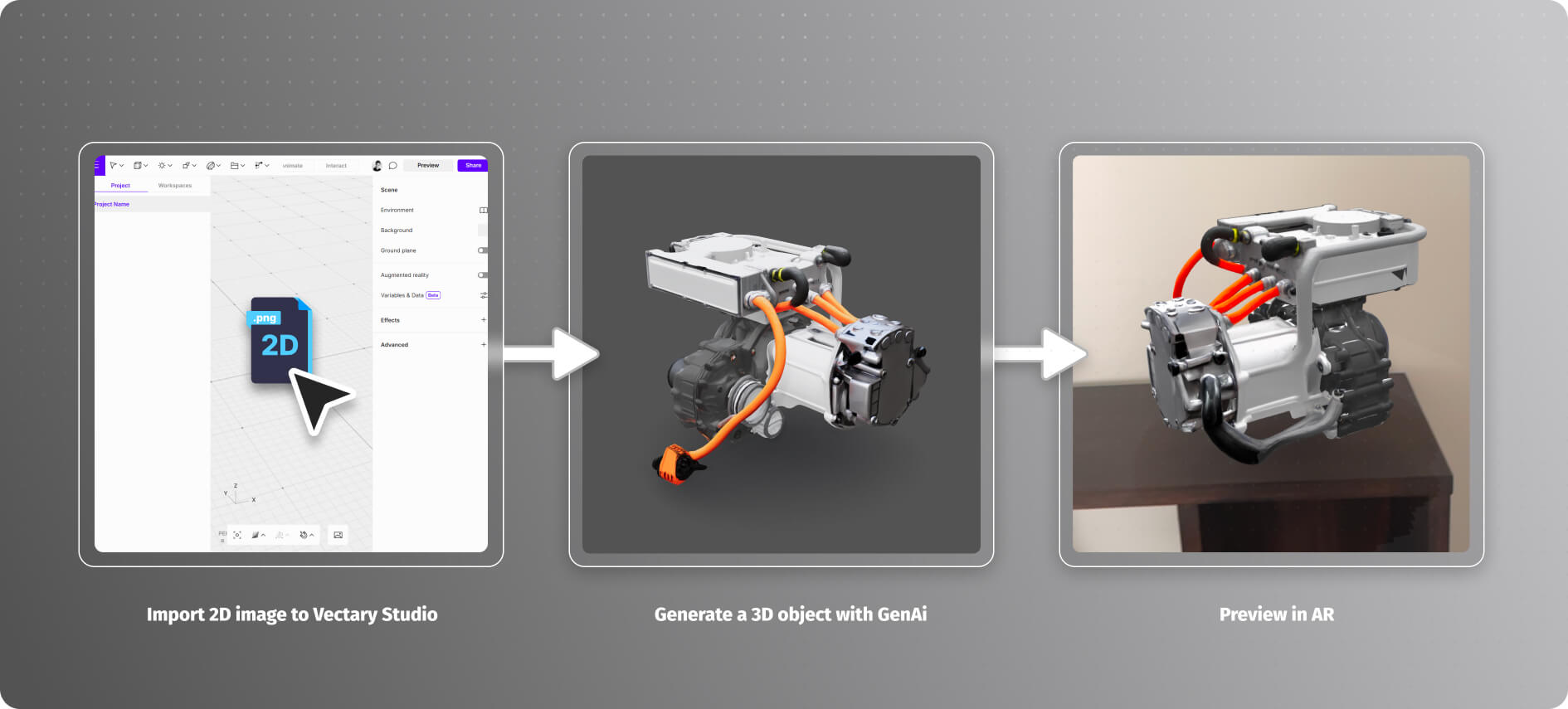
Start with a 2D product image
Find an image of the product you want to work with. Once you have it, we’ll use it to generate your 3D model.
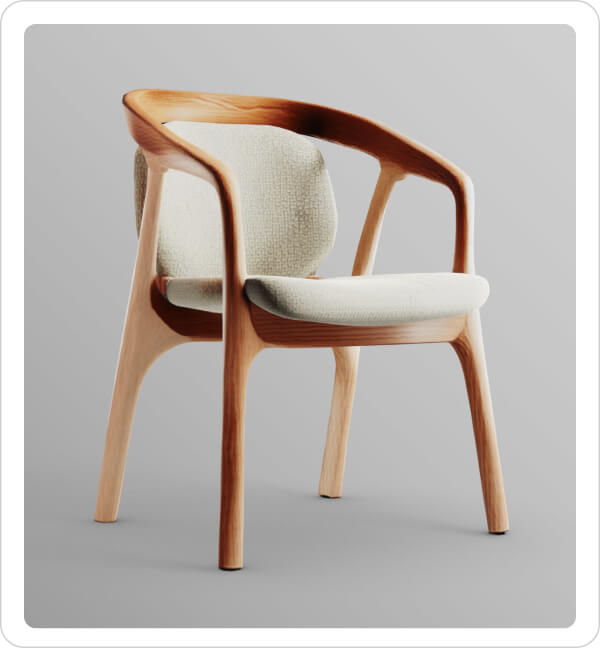
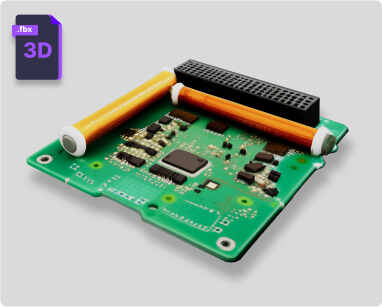
Use Vectary AI to generate a 3D model
Import the image or simply drag the image onto the canvas in Vectary Studio. The menu will display an option to generate an AI model.
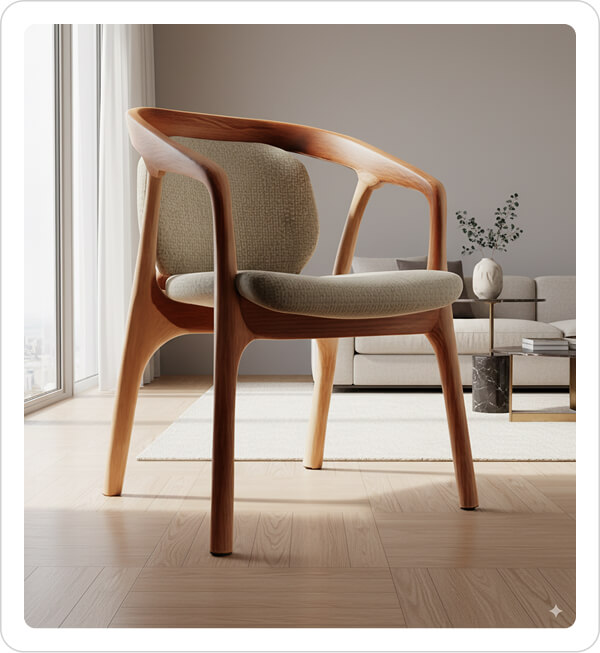
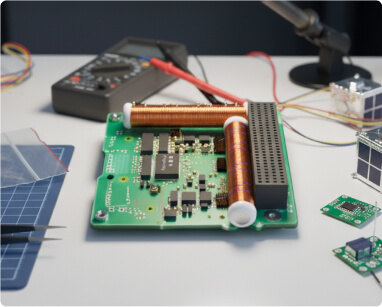
Create customized high-quality 2D images
Download a 2D render from Vectary. You can edit it in other graphic software and use the image for print or digital campaigns.
Deliver interactive 3D product viewers
Add lighting, materials, interactions and animations in Vectary Studio. Publish and share a fully interactive 3D viewer as a link or an embed. It becomes an ideal tool for showcasing product capabilities and material options. See it in Augmented Reality.
Why work with Vectary AI?
AI is here to take away the slowest steps in 3D design. This is the first of many AI features coming to Vectary, built to make your team faster, more efficient, and ready to deliver at scale.
For speed and convenience: Generate 3D from 2D images
Drop in a product photo and get a 3D model when files are unavailable.
For prototyping: Fill in the missing parts
Use AI for quick, lightweight models of parts that don’t need full detail.
For missing files: Combine with imported models Blend AI-generated geometry with STEP or mesh files to build internal or background components.
For accessibility: Export for fast visualization
Render and download a 2D image for presentations or marketing.
Who can benefit the most?
Design teams
Get quick models to test ideas faster, or set up moodboards with the team.
Marketing
Generate visuals for briefs and presentations without waiting on CAD files.
Support and training
Show internal components or processes clearly, without heavy modeling work.
From 2D to Augmented Reality in minutes
Share models in AR instantly, no extra apps needed. Create a 3D model and move it seamlessly into AR with just a click. Open up faster, more innovative ways for product development and concept communication.
Dive deeper
Work with an easy to use timeline to assign start and stop key frames for one of multiple objects. Explode, assemble, or connect different elements using smooth transitions.