Discover Vectary Business solutions for companies making window coverings
Let us show you how it works. Your questions - answered.

Designed with an embed on a website as the final destination, the 3D configurator lets users see their own personalized window blind in a realistic setting. The user can explore blind styles, materials, colors, sizes, and features. There is one additional benefit that comes at the end of the customization process, that lets the user download the image of their configuration. In a real-life use case, the picture can be downloaded and used as a digital reference or in a real store.
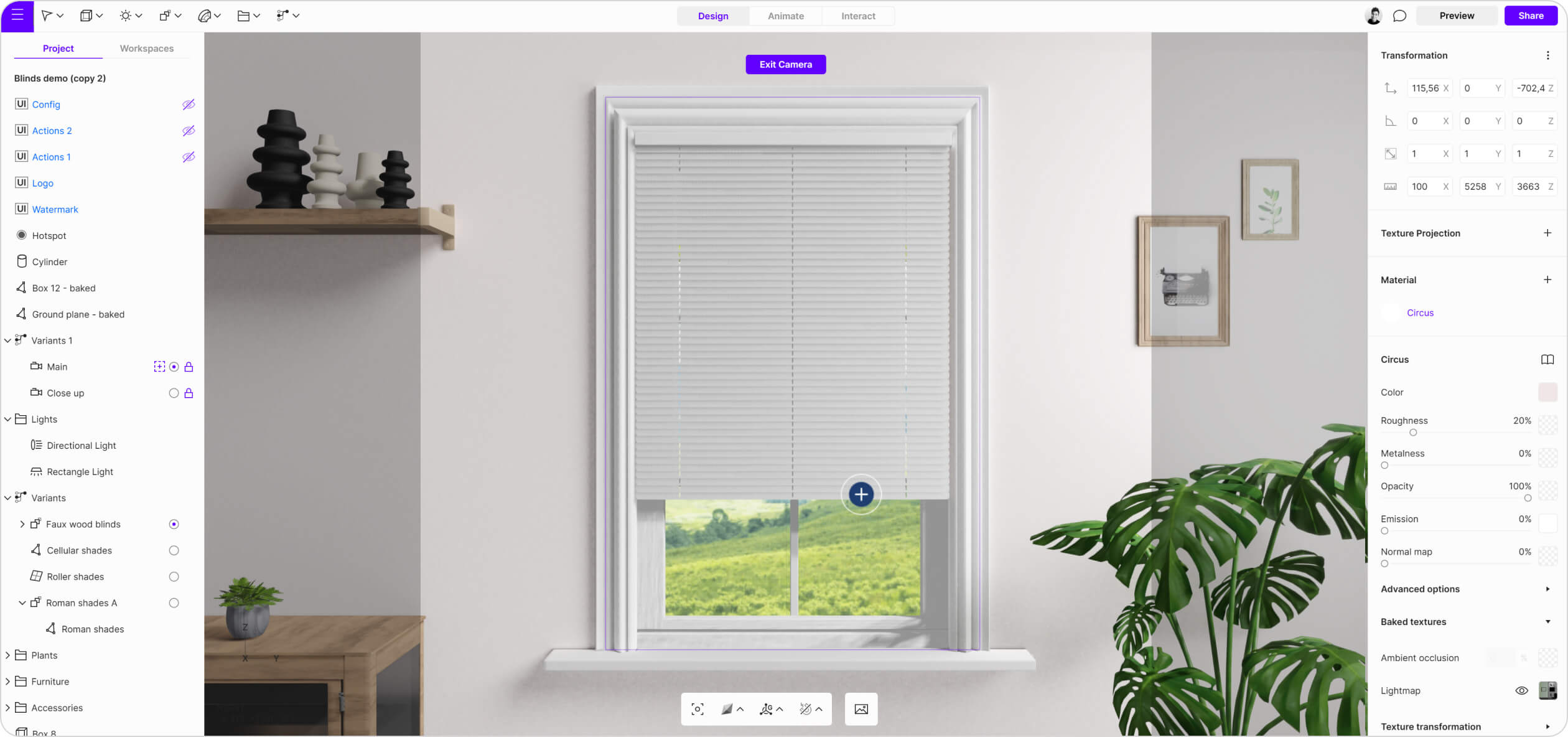
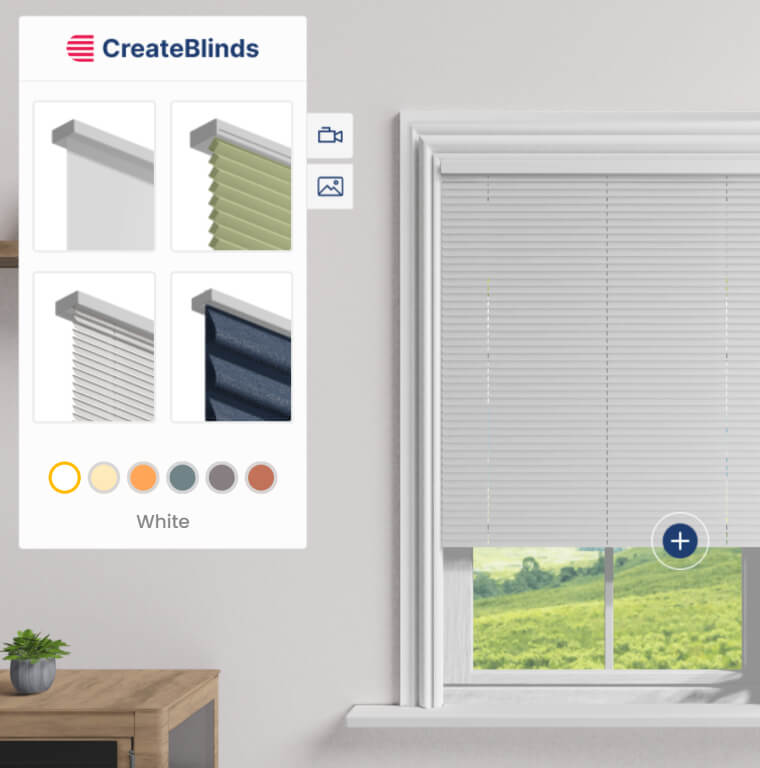
This blinds configurator, set on a realistic background, uses Floating UI to manage all interactions in the scene. The goal was to make the configurator easy to use and understand. The main UI presents menu choices with visuals rather than words. In order to avoid obstructing the overall image, only one UI was used.
Hotspot needs to:
Floating UI, located in the top left corner of the screen to needs to:
The Floating UI has two primary functionalities: the object switcher and the material switcher.
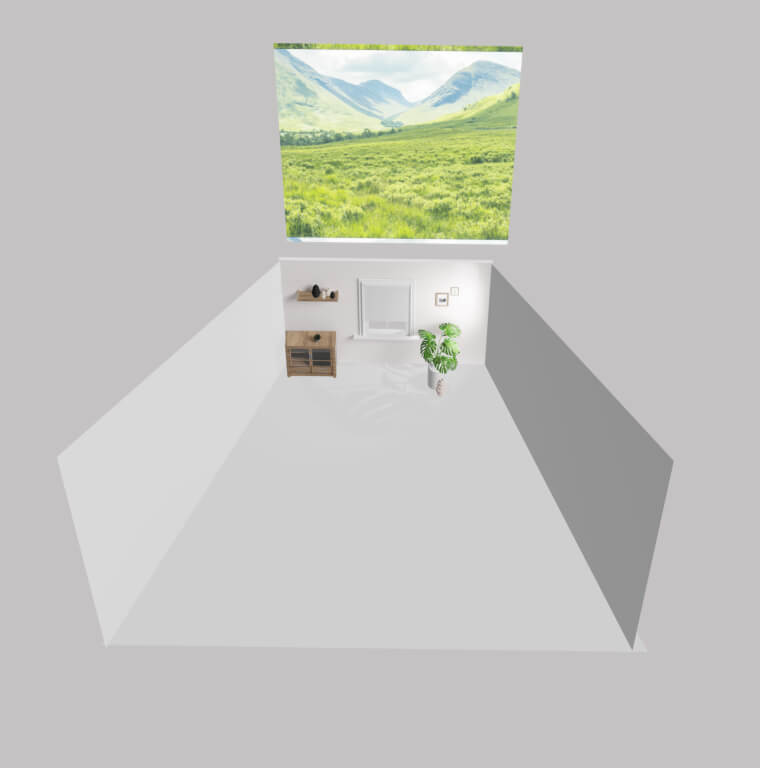
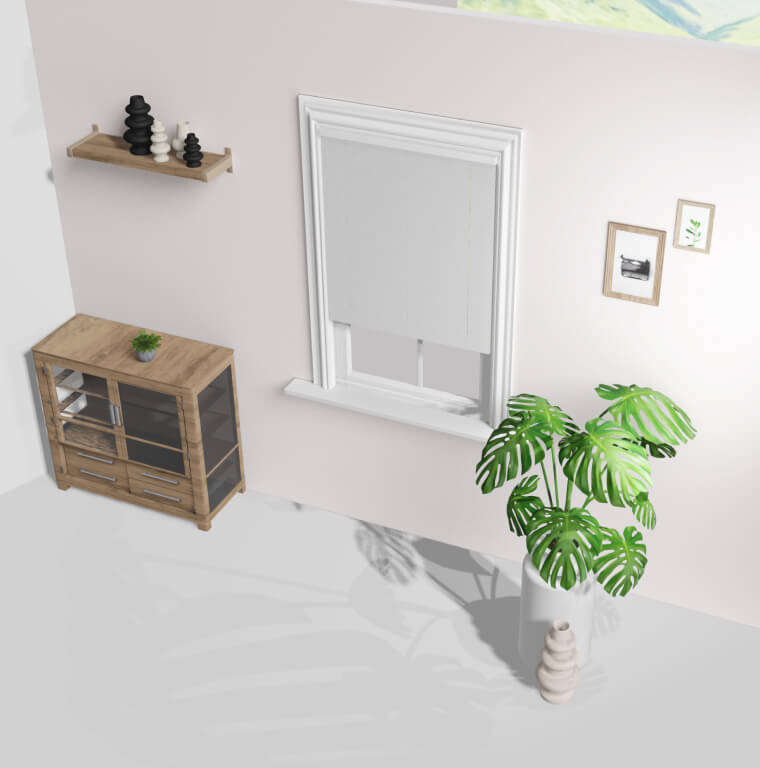
Tip: To reduce polygon count, only a backdrop wall is used, with camera limits set to prevent rotation. The environment behind the window is represented by a simple plane with an image texture.